
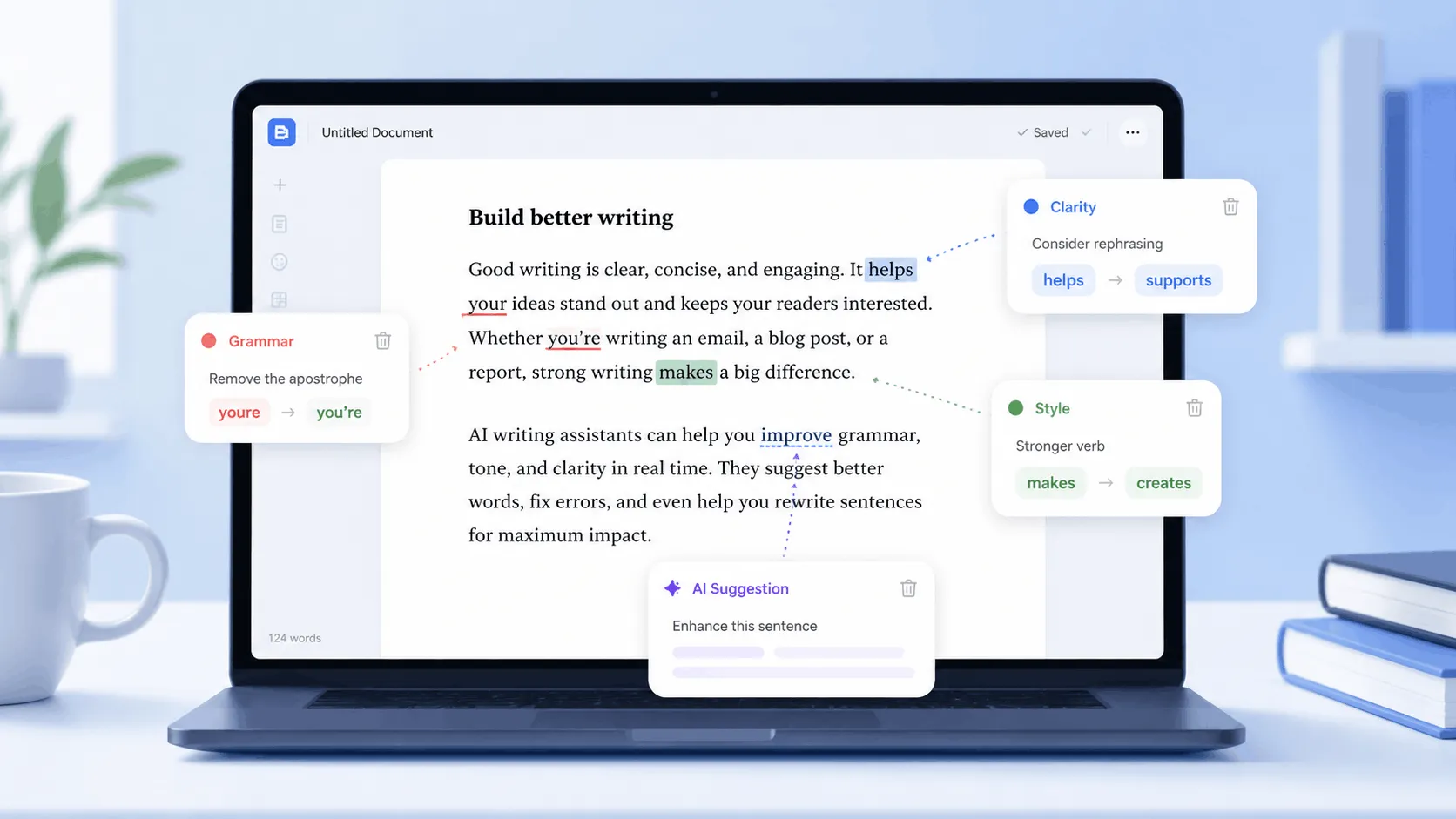
Yes, Grammarly is AI. It runs on machine learning and natural language processing to catch errors, and since 2023 it has added generative AI agents that can draft, rewrite, and reply on your behalf. The confusion comes from the fact that “Grammarly” now means two different products stacked on top of each other. One is a correction engine that has quietly used AI since long before the term was fashionable. The other is a newer generative layer that writes text from scratch, closer to what ChatGPT does.
Whether that distinction matters to you depends on why you are asking. If you want to know if Grammarly is a smart tool worth using, the answer is almost always yes. If you are asking because you are worried about AI detectors flagging your essay or report, the answer depends entirely on which features you turned on.
How Grammarly’s AI Actually Works
Grammarly is not one algorithm. It is a stack of three distinct systems, and knowing the difference explains almost every debate people have about the tool.
1: Rule-Based and Statistical Checks
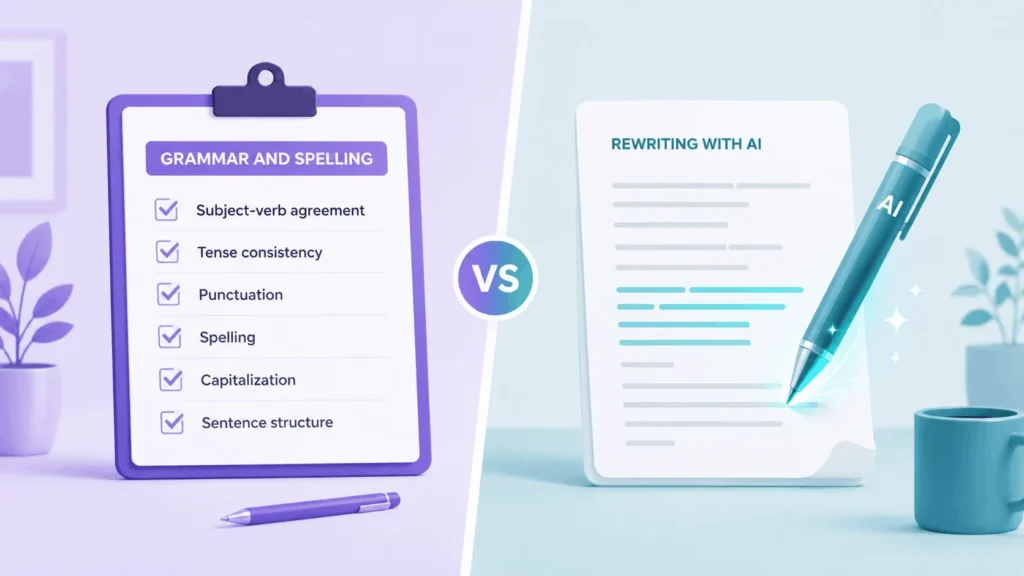
The oldest layer handles spelling, subject-verb agreement, and punctuation. Early versions leaned on rule sets and statistical language models trained to spot patterns that break standard English grammar. This layer is fast, predictable, and rarely wrong on mechanical issues like a missing comma or a misplaced apostrophe.
2: Machine Learning for Style and Tone
A second layer reads your writing for clarity, conciseness, and tone. This is where machine learning does more interpretive work. It compares your sentence structure against patterns learned from huge volumes of edited text, then flags wordy phrasing or suggests a tone that reads as more confident or more formal. This layer is a judgment call, not a hard rule, so it will occasionally suggest a change that clashes with your intended voice.

3: Generative AI Features
The newest layer is generative. Grammarly’s AI agents can draft an email, expand a bullet point into a paragraph, summarize a document, or rewrite a section in a different tone. This is functionally similar to a large language model, and it is the part of Grammarly that behaves most like ChatGPT. It is also the part most likely to raise questions about originality when the output is used with little to no editing.
Does Grammarly Count as AI?
This is the question most people are really asking, especially students and anyone submitting work that gets scanned by an AI detector. The honest answer is that it depends on which part of Grammarly you used.
When Grammarly Use Counts as AI Writing
If you used a generative feature to write full sentences, paragraphs, or replies for you, that counts as AI-assisted or AI-generated writing. Detectors built to catch AI patterns are specifically looking for this kind of machine-drafted text, and heavy use of rewrite or draft-generation tools increases the odds of a flag.
When Grammarly Editing Doesn’t Count as AI-Generated
If you wrote every sentence yourself and only used Grammarly to fix spelling, grammar, and punctuation, your writing is still your own. Basic correction tools do not create new sentences, they adjust existing ones, and that distinction matters to most academic policies and to most AI detectors. Fixing “there” to “their” is not the same category of activity as generating a paragraph from a prompt.
The safest approach if originality matters is simple. Write the full draft yourself first, then run Grammarly’s basic checker on it, and treat the generative features as an occasional tool rather than a default habit.
Is Grammarly AI Good? Strengths and Weaknesses
What It Does Well
Grammarly is genuinely strong at the fundamentals. Grammar and punctuation corrections are accurate and fast, and the clarity suggestions are useful for anyone who tends to write long, tangled sentences. The tone detector is a real time-saver for professional communication, since it flags when an email reads as blunt or unclear before you hit send. It also works almost everywhere you type, from email clients to social media boxes to word processors, so you rarely have to switch tools mid-task.
Where It Falls Short
The AI corrections are not always right. Grammarly’s suggestions sometimes flatten a writer’s natural voice into something more generic, and users who write in a distinctive style often end up rejecting more suggestions than they accept. The generative features also struggle outside common, everyday writing tasks. Push them toward specialized or technical content and the quality drops noticeably compared to a purpose-built writing tool. The free plan is usable but limited, and some users find the premium tier hard to justify unless they write daily.
How Reliable Is Grammarly’s AI Detector?
Grammarly also sells its own AI content detector, which is a separate feature from the writing assistant itself. It scans a document, breaks it into sections, and scores the likelihood that each section was written by AI.
Independent testing has found real gaps in accuracy. One evaluation using a standard AI detection dataset found Grammarly’s detector missed most AI-generated content when it was tested against adversarial rewrites, and simple changes like paraphrasing or altered formatting were enough to slip past it. Grammarly’s own documentation is upfront about this limitation, describing the detector’s output as an estimate rather than a definitive answer, and noting that no AI detector should be treated as proof of anything.
If you need to verify whether a document was AI-generated for an academic or professional decision, treat any single detector, Grammarly’s included, as one data point rather than a verdict.
Is Your Text Private When You Use Grammarly’s AI?
Every time you use Grammarly, your text leaves your device and travels to Grammarly’s servers for processing, then the suggestions come back. That is true whether you are using the free grammar checker or the paid generative features.
Grammarly states that it encrypts data in transit and at rest, and that it excludes obviously sensitive information like passwords and payment details from processing on a best-efforts basis. The company also says it does not sell user content to advertisers. Even so, pasting a confidential document, an unreleased product plan, or anything under a non-disclosure agreement into any cloud-based writing tool carries some risk, since the text is processed on external infrastructure you do not control. For sensitive business or legal documents, check your organization’s data policy before pasting anything into Grammarly, and consider using an offline review pass for the most sensitive material.
Grammarly AI vs ChatGPT: What Is the Real Difference
The simplest way to separate the two is intent. Grammarly is built to improve writing you already have. ChatGPT is built to generate writing from a blank page based on a prompt. Grammarly’s newer generative features blur this line, but the product is still anchored around editing existing text rather than open-ended creation.
In practice, this means Grammarly is a better fit for polishing an email, tightening a report, or catching errors before a document goes out. A general-purpose AI assistant is a better fit for brainstorming ideas, drafting long-form content from nothing, or handling tasks that go beyond writing, like research or coding.
How to Use Grammarly’s AI Without Raising Flags
Read the final version aloud and rewrite any sentence that does not sound like your own voice
Write your first draft without any AI tool, so the core ideas and phrasing are your own
Run Grammarly’s basic grammar and spelling checker on that draft, since this rarely triggers AI detection
Use tone and clarity suggestions selectively, keeping the sentences that still sound like you
Save generative rewrite or draft-from-scratch features for brainstorming, not for your final submitted text